画像生成AI 2026.04.29
SNS用プロフィールアイコンを5分で生成|無料AI画像ツール3選とClaude APIプロンプト生成【2026年版】
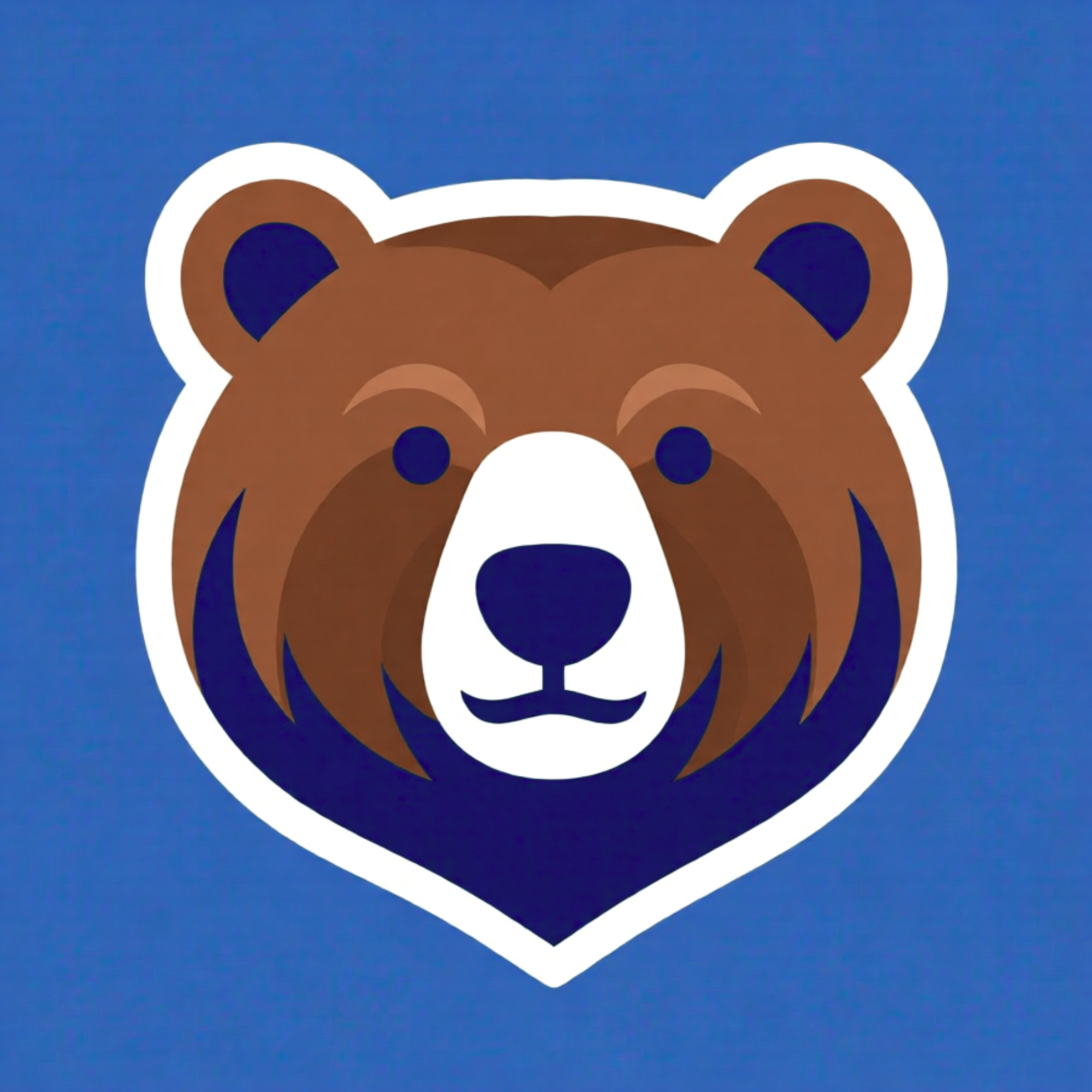
5分でSNSアイコン完成の流れ
ステップ1 (1分): Claude APIでプロンプト生成
    ↓
ステップ2 (2分): AI画像ツールで画像生成
    ↓
ステップ3 (1分): 背景削除ツールで透過処理
    ↓
ステップ4 (1分): SNSサイズ(400×400px)に最適化
    ↓
完成!SNSにアップロード
無料ツール3選
| ツール | 強み | 無料枠 |
|---|---|---|
| Canva | 操作簡単・背景削除一体化 | 月数回 |
| Adobe Express | 商用OK・テンプレート豊富 | 月数回 |
| Stable Diffusion(無料サービス) | 高品質・カスタム性高い | 無制限(Webサービス経由) |
Claude APIで最適プロンプトを自動生成
# profile_icon_prompt_generator.py
# キャラクターの特徴を入力すると画像生成用プロンプトを出力する

import anthropic

client = anthropic.Anthropic()

def generate_icon_prompt(
    character_description: str,
    style: str = "professional",
    platform: str = "twitter"
) -> dict:
    """SNSアイコン用の最適化された画像生成プロンプトを生成する"""

    STYLE_DESCRIPTIONS = {
        "professional": "clean, minimalist, corporate headshot style",
        "anime": "anime illustration, Japanese manga art style, vibrant colors",
        "cartoon": "cartoon style, playful, rounded shapes, bold outlines",
        "watercolor": "watercolor painting style, soft colors, artistic",
        "pixel": "pixel art, 8-bit style, retro gaming aesthetic",
    }

    PLATFORM_SPECS = {
        "twitter": "400x400px, simple background, face centered",
        "linkedin": "400x400px, professional background, business attire",
        "instagram": "1080x1080px, vibrant, eye-catching",
        "github": "400x400px, technical/developer aesthetic",
    }

    response = client.messages.create(
        model="claude-haiku-4-5-20251001",  # プロンプト生成は安いモデルで十分
        max_tokens=512,
        messages=[{"role": "user", "content": f"""
以下のキャラクター説明から、AI画像生成(Midjourney/DALL-E/Stable Diffusion)用の
英語プロンプトを生成してください。

キャラクター: {character_description}
スタイル: {STYLE_DESCRIPTIONS.get(style, style)}
プラットフォーム仕様: {PLATFORM_SPECS.get(platform, platform)}

要件:
- Midjourney v7用のプロンプト(--ar 1:1 を末尾に追加)
- DALL-E 3用のプロンプト(簡潔で具体的)
- Stable Diffusion用のプロンプト(positive prompt と negative prompt)

各プロンプトを区別して出力してください。"""}]
    )

    cost = (response.usage.input_tokens * 0.80 + response.usage.output_tokens * 4.00) / 1_000_000

    return {
        "prompts": response.content[0].text,
        "cost_usd": round(cost, 5),
        "style": style,
        "platform": platform
    }

# 使用例
result = generate_icon_prompt(
    character_description="30代日本人男性、眼鏡、短髪、テック系フリーランサー",
    style="professional",
    platform="linkedin"
)

print("=== 生成されたプロンプト ===")
print(result["prompts"])
print(f"\n生成コスト: ${result['cost_usd']} (約{result['cost_usd']*150:.2f}円)")
背景削除コード(Pillow使用)
# remove_background.py
# rembgライブラリで背景を透過処理する

# pip install rembg Pillow

from rembg import remove
from PIL import Image
import io

def remove_bg_and_resize(input_path: str, output_path: str,
                          size: tuple = (400, 400)) -> None:
    """背景削除 → SNSサイズにリサイズ → 保存"""
    with open(input_path, "rb") as f:
        img_data = f.read()

    # 背景削除(AI使用)
    removed = remove(img_data)
    img = Image.open(io.BytesIO(removed)).convert("RGBA")

    # SNSサイズにリサイズ(アスペクト比維持)
    img.thumbnail(size, Image.LANCZOS)

    # 正方形にパディング(余白を透明に)
    square = Image.new("RGBA", size, (0, 0, 0, 0))
    offset = ((size[0] - img.width) // 2, (size[1] - img.height) // 2)
    square.paste(img, offset)

    square.save(output_path, "PNG")
    print(f"保存完了: {output_path} ({size[0]}×{size[1]}px)")

# 使用例
remove_bg_and_resize("ai_generated.png", "profile_icon.png", size=(400, 400))